A bright orange wall and one shared mic. The clean, viral duet look that started the trend.
AI Rap Video generator
Two photos. One mic. Your duo raps an original verse.
Upload a photo for each rapper, pick a stage and a topic. You get a short music video with an original beat, rap vocals and lip sync, ready to download and share.
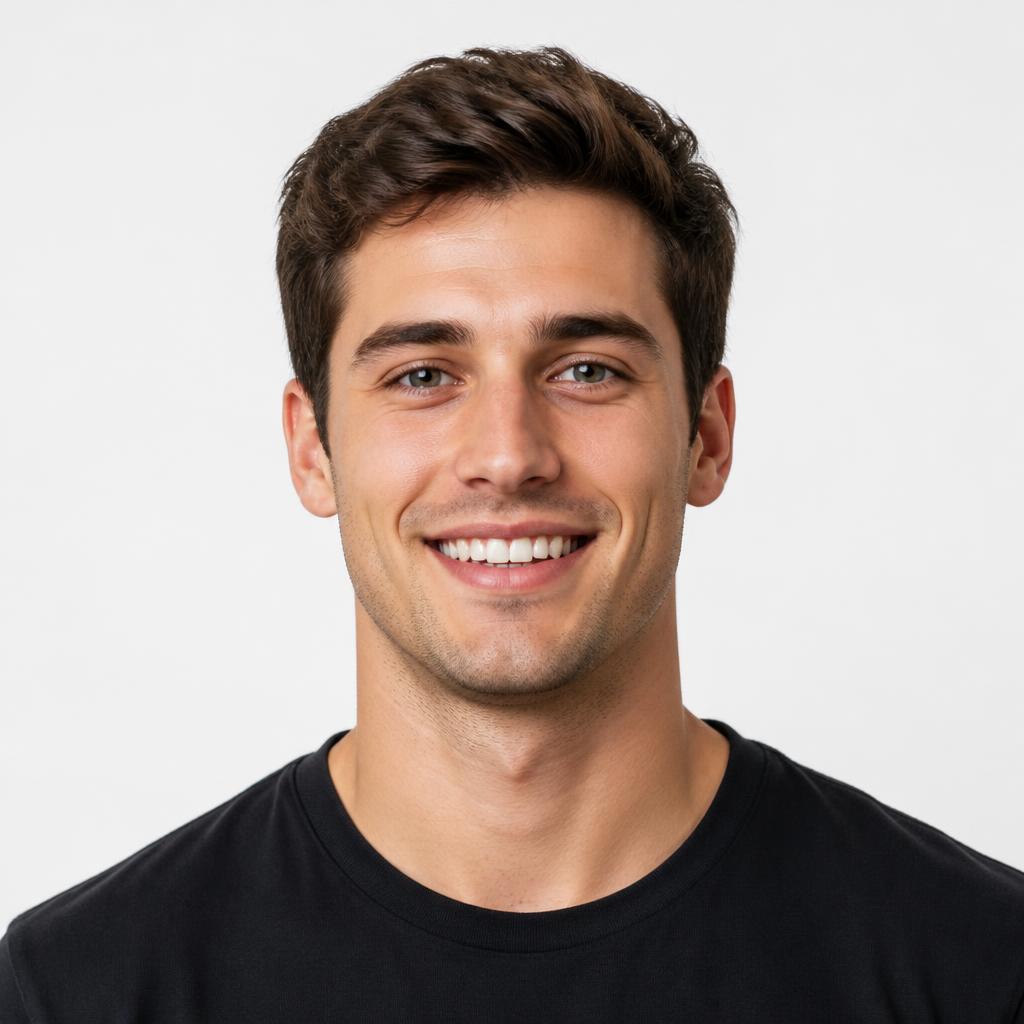
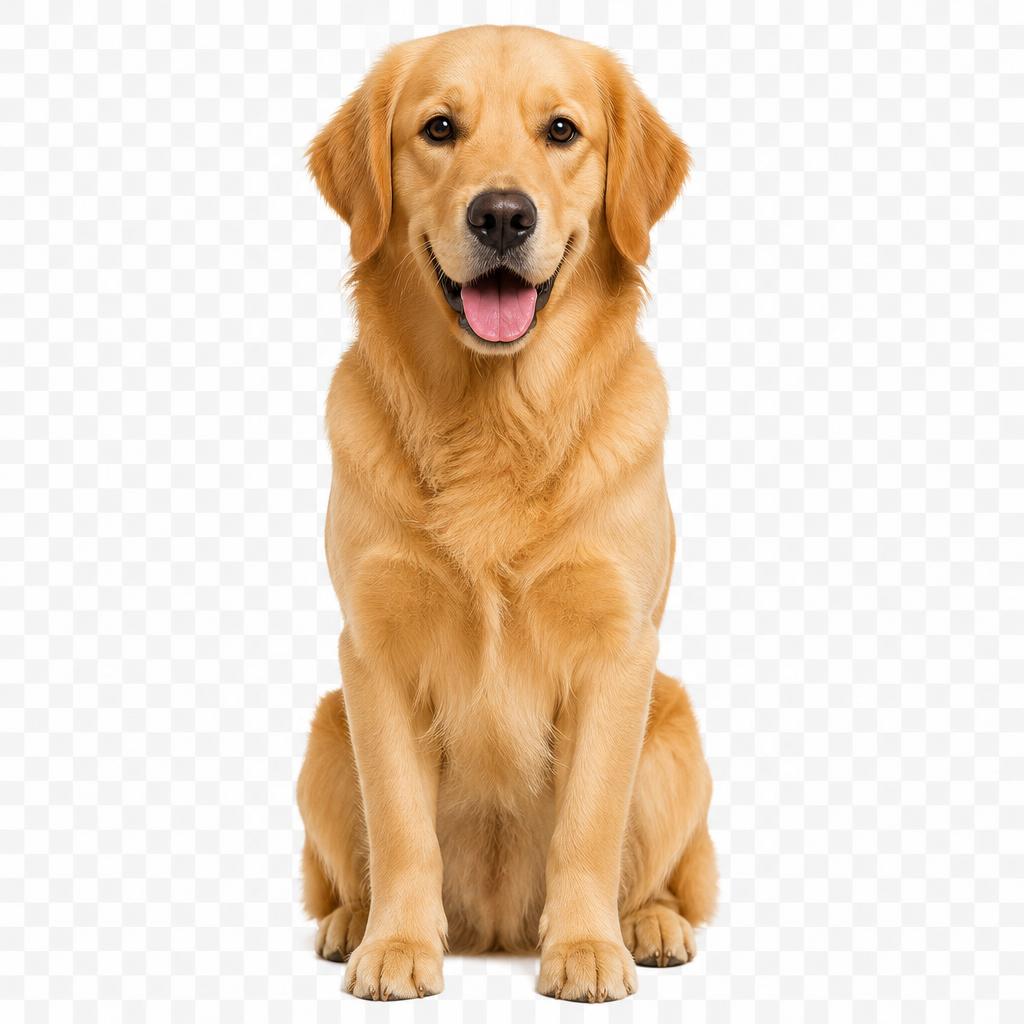
More:
Every video gets a new beat and original rap vocals. No existing songs, voices or footage are used.
Who's on the mic?
JPG, PNG or WebP up to 10 MB. One clear face per photo works best.
Where are they rapping?
Optional, 167 characters left
More options9:16 tall · Lite · 5s
Format
Quality
Length
Lite renders at 480p, 10 credits per second.
50 credits for this run
20 videos from $9.90, credits never expire.
AI rap video examples
A person and their dog, an owner and a cat, two pets trading verses: each example pairs two ordinary photos. Tap "Use these photos" to load a pair into the generator, or upload your own. Every render makes new moves, lyrics and sound, so treat the examples as a direction rather than a fixed result.
Example clips for inspiration. Your video uses your own photos, your stage and a newly generated beat and vocals.
How to make an AI rap video in three steps
Upload two photos
Add one clear photo for the left rapper and one for the right. Selfies work great, and so do pets or your own characters. Check both previews: each face should be easy to see, facing the camera, without heavy filters.
Pick a stage and a topic
Choose one of 6 stages, then type what the verse should be about or tap an idea. Set 9:16 vertical for TikTok, Reels and Shorts or 16:9 wide, choose 5, 10, 15 seconds, and check the credits quoted for the run.
Render and share
Sign in and start the render. The beat, rap vocals and lip sync are created together, usually in a few minutes. Watch and listen to the whole clip, then download the MP4 or find it later in My videos.
Choose a stage for your rap duet
The stage sets the room, the light and the mood. Your faces stay the same, so you can make one pair rap in a hotel lobby today and on a rooftop tomorrow. Tap a stage to use it.
Marble floors, brass and chandeliers. Your duo raps like they own the hotel.
Pink and blue neon in a dark recording room. Late-night studio session energy.
A city skyline glowing behind them. Big-stage feel for a big verse.
Colorful graffiti walls and warm sun. Street-cypher style for a classic hip-hop vibe.
String lights, a disco ball and confetti. Perfect for birthdays and celebrations.
What is an AI rap video generator?
An AI rap video generator turns still photos into a performance. Instead of recording a song, shooting footage and syncing lips by hand, you upload two photos and the model creates the whole clip: the two of you on a stage, sharing a mic, trading lines over a fresh hip-hop beat.
The video model generates sound and picture together, so the vocals and mouth movement are made in the same pass instead of being pasted on afterwards. Your topic steers what the verse is about; the stage sets the scene.
Everything is original: the beat, the voice and the lyrics are new for each render. No real artist's song or voice is copied. Because it is generated, faces, moves and sound vary, so review the clip before you share it.
An AI rap generator with the video built in
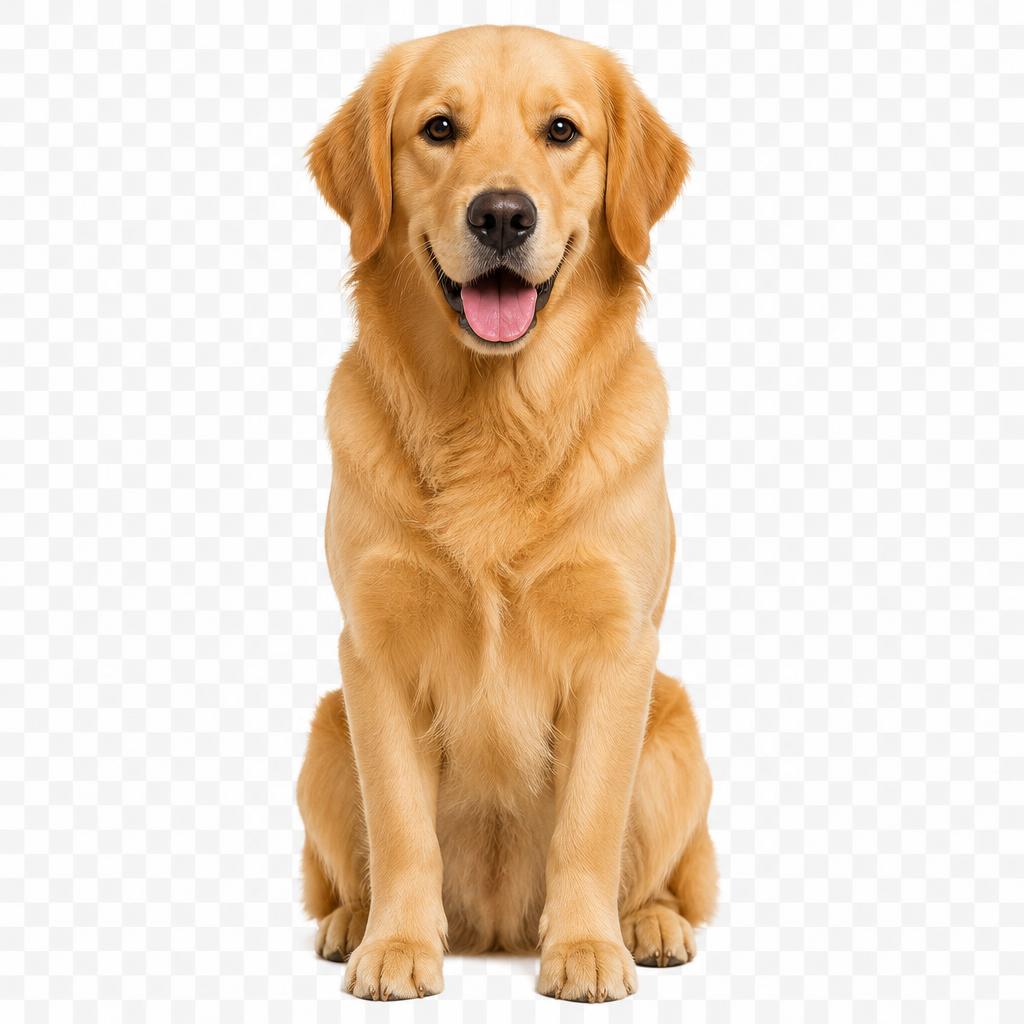
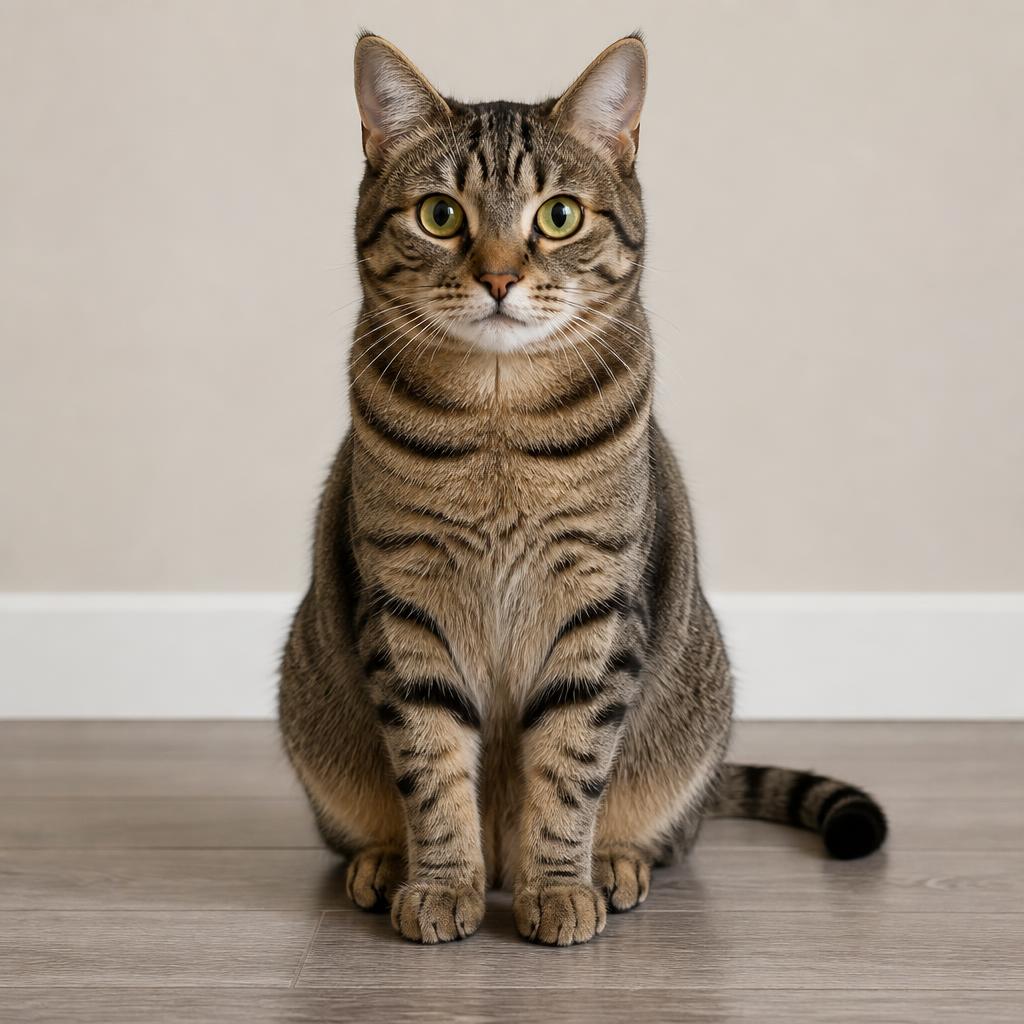
Two photos, one duo
Put two people, pets or characters on one stage using separate photos. Friends can rap together even when their selfies were taken miles apart. Distinct looks make both rappers easy to follow.
Made for Shorts
Render a 9:16 clip for TikTok, Reels or YouTube Shorts, or 16:9 for a wide shot. Pick the format before you start so the duo fits the screen.
Original beat & rap vocals
Each render creates a new hip-hop beat and English rap vocals with mouths moving in sync. Listen to the full clip before you post it.
Your topic, their verse
Tell the duo what to rap about in a few words: a birthday, an inside joke, a team win. Short, specific topics work best.
Who forgot the anniversary dinner
AI rap video ideas: who to cast and what to rap about
Best friends
Two selfies from the group chat, the Graffiti Alley stage and a topic like "the night we got lost in Vegas". A rap video makes an inside joke land harder than any meme.
Birthdays and couples
Pick House Party, put the birthday person on one side and you on the other, and tap "Birthday shout-out". For an anniversary, try "how we met" in the Hotel Lobby.
Pets, family and coworkers
Your dog and cat as a rap duo, grandma and grandson on a rooftop, or two teammates celebrating a launch. Anyone with a clear photo can take the mic.
Better photos for your AI rap video
One clear face per photo
Use one person or pet per photo, facing the camera, with the face unblocked and filling a good part of the frame. Avoid tiny faces, heavy filters, sunglasses and screenshots with text over the subject.
Similar light and angle
Soft daylight and similar camera angles help both rappers look like they belong on the same stage. Backgrounds don't need to match. For pets, keep the eyes, ears and markings visible.
Watch the whole clip
Check that each rapper stays on their side and keeps their own face, outfit or fur, and listen for timing. If something is off, change one thing at a time: a clearer photo, a shorter topic or a different stage.
AI rap video generator FAQ
What is an AI rap video?
An AI rap video is a short music clip where the people in your photos appear to rap together. This generator takes two photos, places both performers on one stage with a shared mic, and creates an original beat, rap vocals and lip-synced mouth movement in a single render. Nothing is filmed and no editing is needed.
Is this an AI rap generator or a video maker?
Both, in one step. Most AI rap generators give you a song or lyrics. This one writes an original verse from your topic, adds a new beat and rap vocals, and lip-syncs your two performers on stage. You get one MP4 with the music built in, not separate audio or lyric files.
How many photos do I need?
Two separate photos: one for the left rapper and one for the right. Each can be a person, a pet or your own character. Upload JPG, PNG or WebP files up to 10 MB each. One clear face per photo, facing the camera in soft light, gives the best result.
Can I choose what the rap is about?
Yes. Type a topic of up to 167 characters, or tap an idea like "Birthday shout-out" or "How we met". The verse is performed in English. Leave the field empty and the duo raps about being the best pair in town.
Is the AI rap video generator free?
You can try examples and set up your photos for free. Rendering a video uses credits. The entry pack is $9.90 for 1,000 credits, enough for 20 5-second Lite videos. Packs are one-time purchases with no subscription, and credits never expire.
Which stages, formats and quality options are there?
Pick one of 6 stages: Orange Booth, Hotel Lobby, Neon Studio, Rooftop Night, Graffiti Alley, House Party. Choose 9:16 vertical or 16:9 wide, and 5, 10, 15 seconds. Lite and Standard render at 480p; HD renders at 720p. Quality and length change the credit cost shown before each run.
Can I use photos of other people?
Only use photos you have the right to use, and ask anyone in them before you share the video. Pets and your own characters are great performers too. Do not upload minors, intimate photos, or images meant to impersonate or harass someone.
Is the music original?
Yes. Every video gets a newly generated beat and rap vocals. We never copy an existing song, artist voice or music video. Lyrics, timing and lip sync vary from render to render, so watch and listen to the whole clip before you post it.
How long does it take, and where is my video saved?
Most videos are ready in a few minutes. You can leave the page while it renders: the finished clip is saved to My videos. Download the MP4 and share it on TikTok, Instagram Reels or YouTube Shorts.
What if a render fails?
Credits are reserved when a render starts and returned automatically if it fails. If a finished video has a detail you don't like, try a clearer photo or a different stage for the next render; AI results vary.
Put your duo on the mic
Two photos, one stage, one topic. Start with a short clip, hear how the two of you sound, then download your rap video and share it.
Make a rap video